


Setting up Local AI & Maintenance
Keeping up with the latest news and seeing this quote from Sam Altman come through my feeds really pushed me to start looking into adding local AI into my home lab stack. Have been delaying rolling out local AI on my network for the costs of hardware keeps going up. Spite is a great motivator at times when used constructively. Decided to lay the ground work for my local AI setup and not use big tech AI. Once this is complete it will incorporate with N8N work flows. Continuing the self hosting journey.

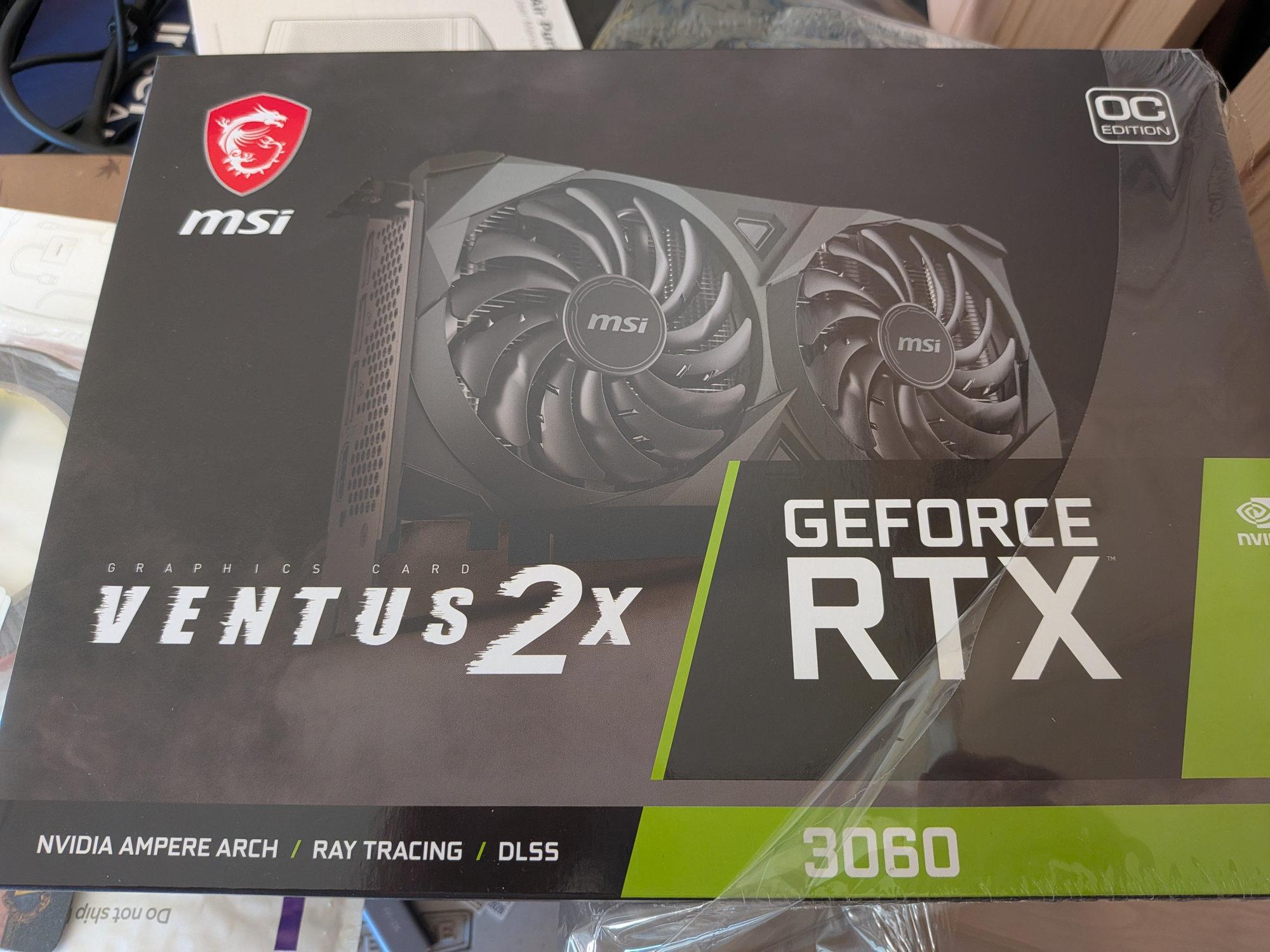
Purchased an Nvidia RTX3060 12gb, NVME Cable, Thermal Tape and had a spare 1TB Gen4 NVME to add to my NAS to accomplish this task. Thermal Tape? Yes, By adding the Nvidia Card I had to relocate the M.2 NVME SATA adapter to another slot. Then plug the thin NVME Cable ribbon underneath the GPU and add the heat sink on the NVME then tape it to the side of the case. Had to be creative on the cable routing inside the case. While I was at it, I had to dust off the inside of the NAS server for quarterly hardware maintenance.


After dusting off my NAS Server. I continued with the Proxmox VM server and rounding it off with my PFsense.


Once everything was assembled back and turned on. Everything is in working order.


The last thing to do is setup to format the NVME Drive and configure a docker of AI with all its components and test it internally before deciding on rolling out to family and friends. Stay Tuned.
