


NFC Business Cards
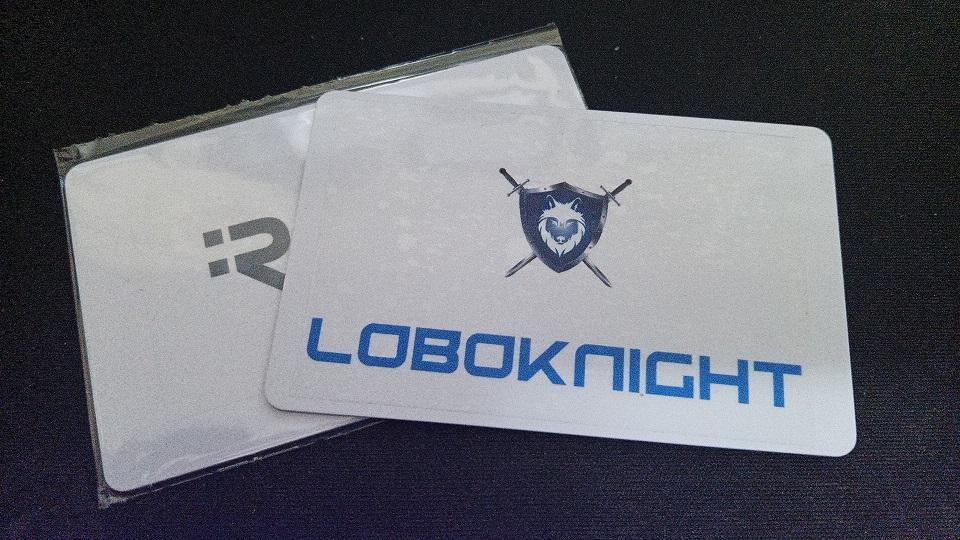
Recently, I came across a Popl business card. The business card had both NFC and QR code on it. With a template of information for me to add onto my phone. I started to think what a great idea this was. Instead of buying business cards and throw them out when I needed to change/update information. This would be a much better option. The only items I required to get this going was the following:
- NFC Business Cards
- Clear Vinyl Sticker Paper
- NFC Tools App on my android phone
First step is to format the NFC card prior to use. Then Open the NFC Tools app on your android phone. Then select CONTACT template on the list. Fill out your contact information. Then on the app click on WRITE. I found an Avery Business Card template. On the template I added my logo on the front of the card and on the back my QR code. I tested it out on my spare android phone and worked like a charm. The clear sticker on the card it looks flawless. I created 2 business cards one for my personal use and the other for my Business that I had put on hold. Stay tuned.

