


Video Capture & Editing & Broadcast oh my!
These are the products I use to create my content. Just sharing my thoughts, experience and knowledge back to the Tech Community.
Video Capture
There are two ways of capturing Video. One method is via hardware means and the other is software.
Hardware:
- Avermedia Dark Crystal – I have two of these. One on main computer which I can use to record video from HDMI and RCA/Composite signals from older equipment and records to 1080. The other is on my HTPC. I use the HDMI for Xbox360 and the Composite for the PS3. Since the PS3 will not record using HDMI but composite is OK.
- Hauppauge HD PVR Rocket – It is a great for when you are outside and need to do remote recording. I used this to record video for training videos at old jobs. It stopped working and found the USB stopped working. I still think it is a great product.
Software:
- Nvidia GeForce Experience – If you have an NVIDIA graphics card and you install the GeForce software you can screen record from software or desktop for free. You can also configure it to stream to YouTube, Twitch and Facebook.
- Bandicam – If you don’t want streaming only to record. Bandicam works great for its use. It is a paid software that many use. I have it and found it to be good and does not feel that it takes up to much resources and records the files to mp4. Bandicam works with new codecs to make high quality and less space on your hard drive.
- Fraps – I started to use this at the beginning. The file save is .avi if I remember right. Took a lot of space. It is considered old technology by today’s standards.
Video Editing
For video capture there are many to chose from. There are some that are paid options and there are others that are free. The main thing in learning Video Editing is picking one product and using it until you have a comfort level with it. The lessons you learn can be taken to other software products. I have used Sony Video Editor in the past and it was purchased by different company and the product has been in decline and glitchy. I started to look at many other options throughout the years. These are the products that I use and recommend, your miles will vary.
- Cyberlink PowerDirector version 15 (Now its PowerDirector 365)- I really liked Cyberlink it has been my main driver for the last while. It has been stable and easy to use with the YouTube training videos created by other users on how to use the product. Most of the videos I produced were made by PowerDirector. With Adobe taking on the monthly subscription model I feared it would trickle over to other products. PowerDirector went that way and I refuse to pay on a month to month. I am in the transition stage of using another product right now which leads me to #2 on my list.
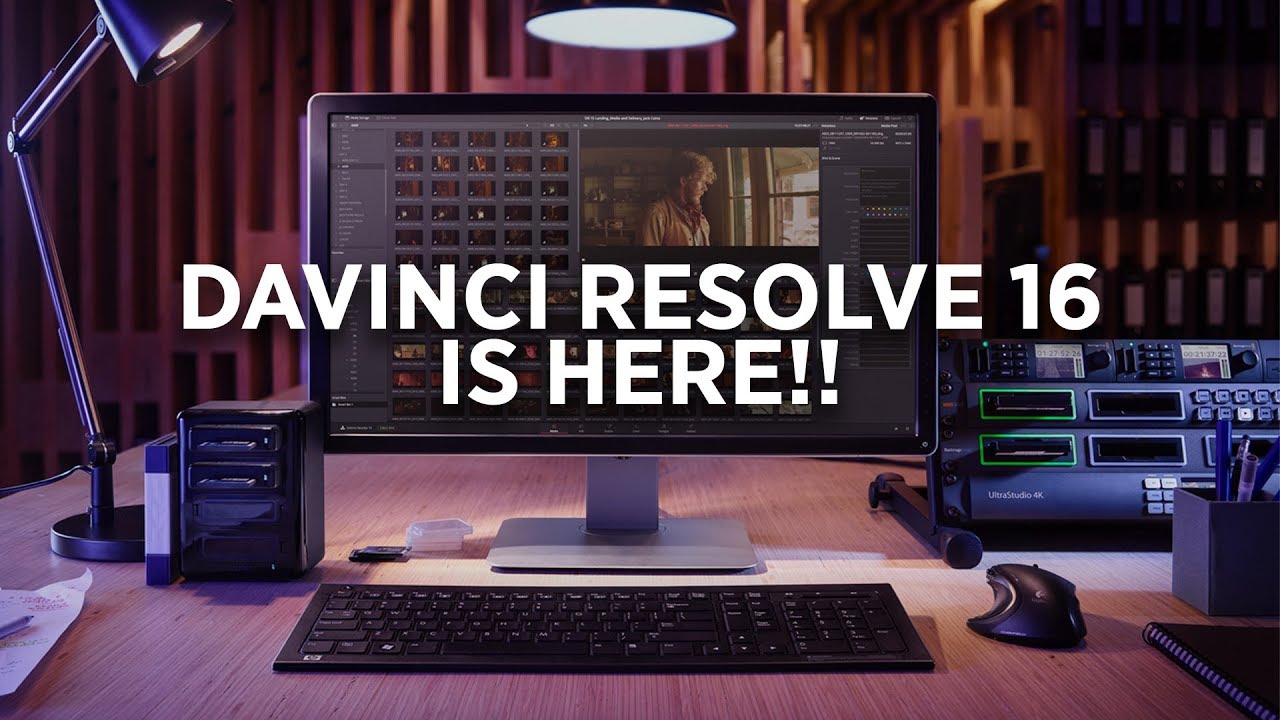
- DaVinci Resolve 16 – I had heard about this one being a top on many lists. It is free and works on Windows, MacOS, and Linux. I have the flexibility to run it on many systems. I read that this software is used by many Studios and Productions companies. I am currently testing it out and seems to be working well and studying up the usage of it on YouTube.
- Openshot – It is an opensource product for Windows, MacOS, and Linux. It is very basic. I did not like the User Interface and how the windows worked on it. I uninstalled it and may comeback to this at a later time. I am more focused on Davinici Resolve 16 for now.
- iMovie – Only on MacOS. It is very basic and the GUI is very simple to use. Less than 30 minutes you will get a feel of the software. It comes with basic templates. I mainly use this version when compiling pictures into a collage video with a background music for family events.
Broadcasting
When it comes to streaming the video to a live audience there are a few products that can help with the delivery.
- Nvidia – As stated above can stream to Facebook, Twitch, YouTube and others. Integrated when purchasing a NVIDIA graphics card. Windows only.
- OBS – Open Broadcast Software. If you seen people on YouTube or Twitch have a video going while there is a small video of themselves on the lower screen. This is the product they use. It can be configured to work as a screen record, broadcast streamer with many services. It is more detailed oriented for the power user. It is opensource and free. For Windows, MacOS, Linux
- Streamlabs OBS – Another version based on the OBS software. It is a lot more user friendly, included themes, screens and it is easier to use compared to OBS. Windows only? I did not find a MacOS or Linux Version
- Player.Me – is another streaming service that I am looking into. Don’t have an opinion as of yet but time will tell if I end up using it? Stay tuned.
